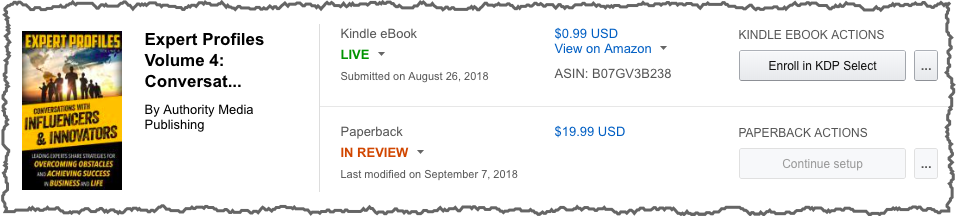
Requesting Proof Copies
Note: Proofs are different from regular copies. They have a “Not for Resale” watermark on the cover but no ISBN. During printing, KDP places a unique barcode in the lower right-hand corner of the back cover. If you have images or text on this part of the cover, the barcode will cover them.
Login in to your account on KDP.com
After adding the book information and uploading the content and cover, you can request a Proof copy of the book.
From your Bookshelf on KDP, under “Paperback Actions” select the … button to view available actions. Choose “Request Printed Proofs”
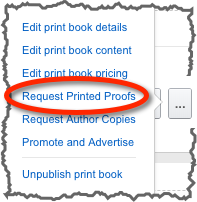
- Select the number of copies you want. Always order more than one to compare the print quality.
- Select the marketplace to order from
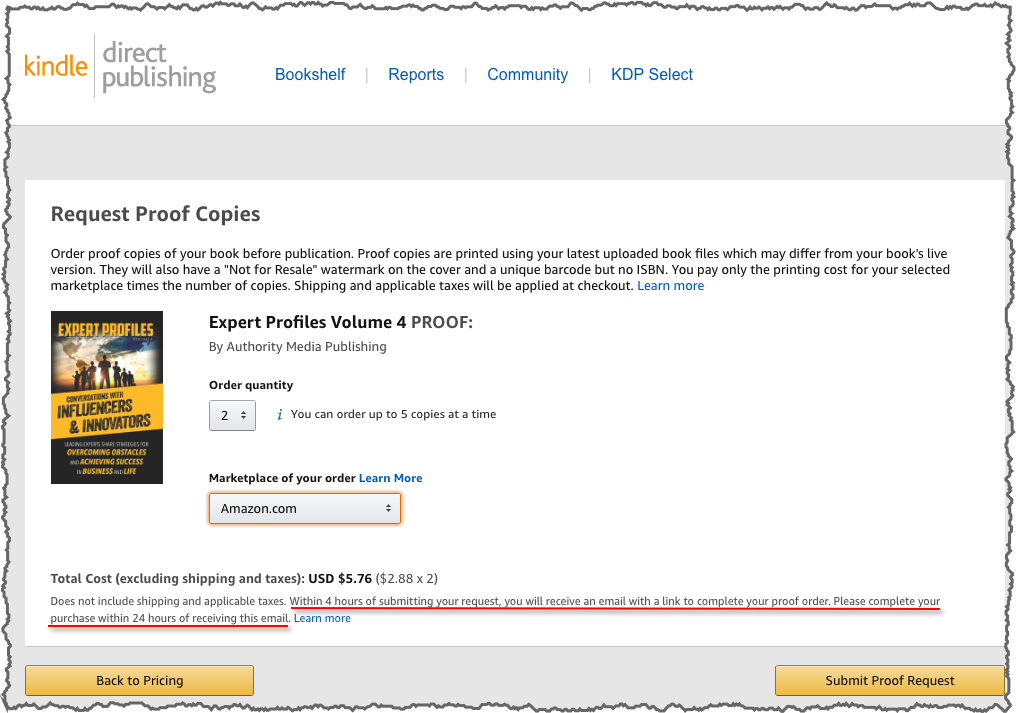
Note that you will receive an email within 4 hours of submitting this request to complete your order. You will have 24 hours after receiving the email to complete the order. Confirm the request if you are ready to proceed with your order.
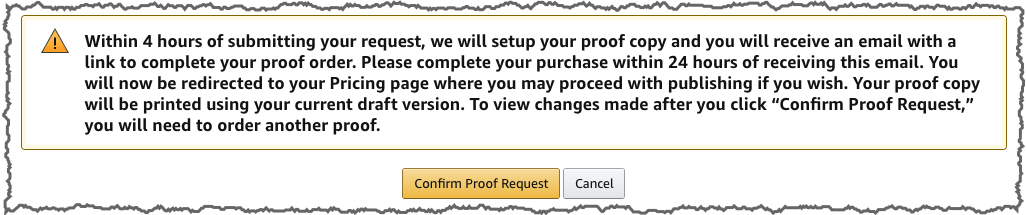
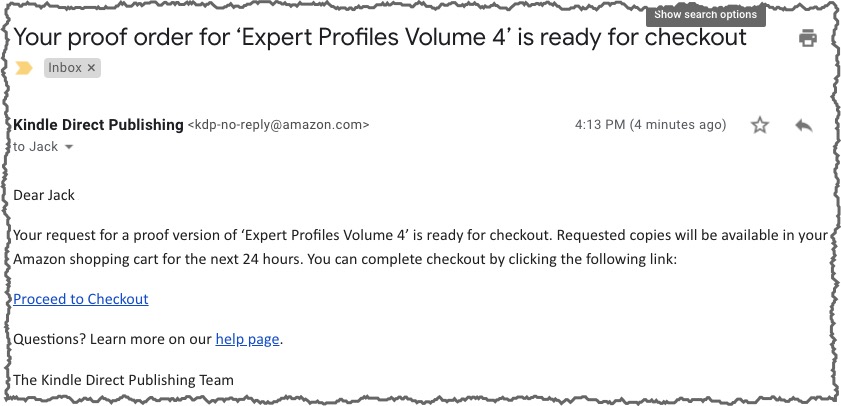
You will receive an email with a link to checkout.
Review your shopping cart
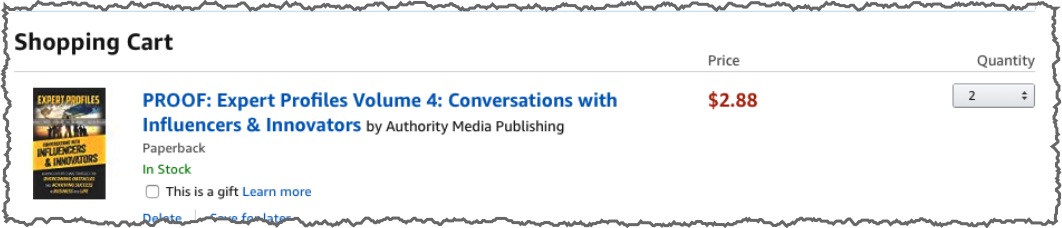
Complete your purchase.
Review Proof Copy and Publish Book
Reviewing your proof copy and check the cover and interior margins. Proofread and make sure there are no typos or grammatical errors. If you need to make changes, revise your files, upload the new versions, and submit for review again.
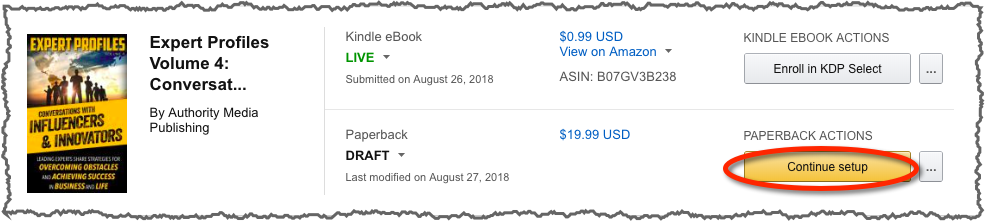
If no changes are necessary, you can publish the book. From your KDP dashboard, select “Continue setup” next to the book title.
Review the information in each section (Paperback Details, Paperback Content, and Paperback Rights & Pricing).
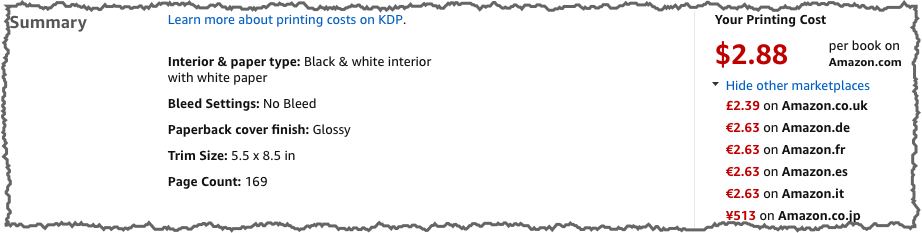
Under Paperback Content, you will see a summary of the printing costs for different Amazon marketplaces.
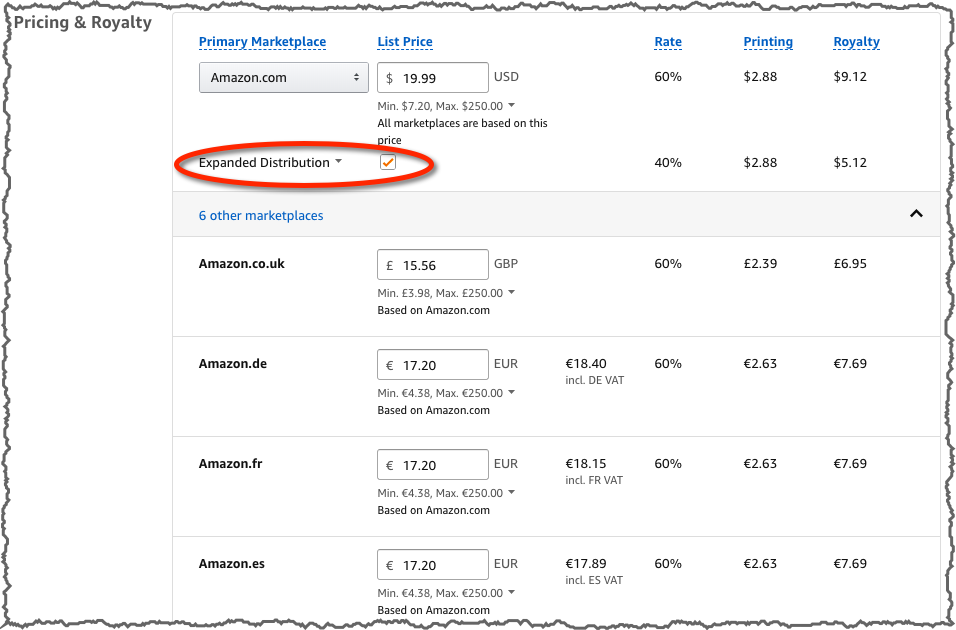
On the Paperback Rights & Pricing tab, you can confirm your price, royalties, and select Expanded Distribution.
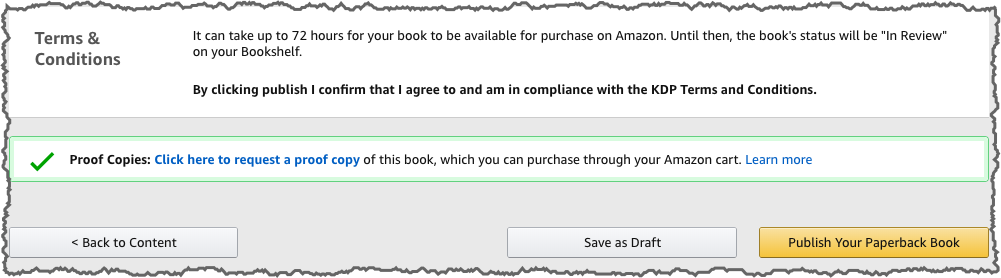
Once you have confirmed the information is correct, you can Publish the paperback book. Note that it can take up to 72 hours for KDP to review and make your book available.
KDP will confirm your submission with a message similar to:
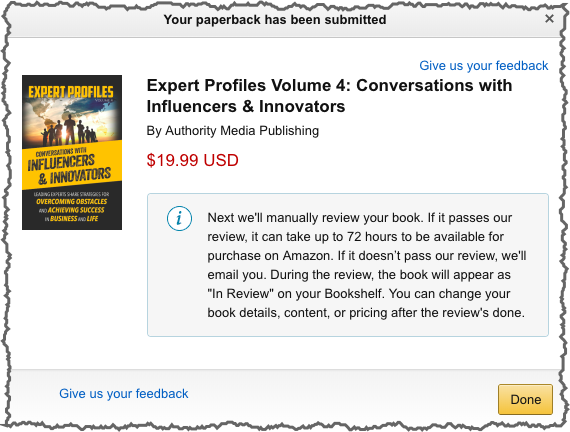
The book will show as “In Review” on your bookshelf.